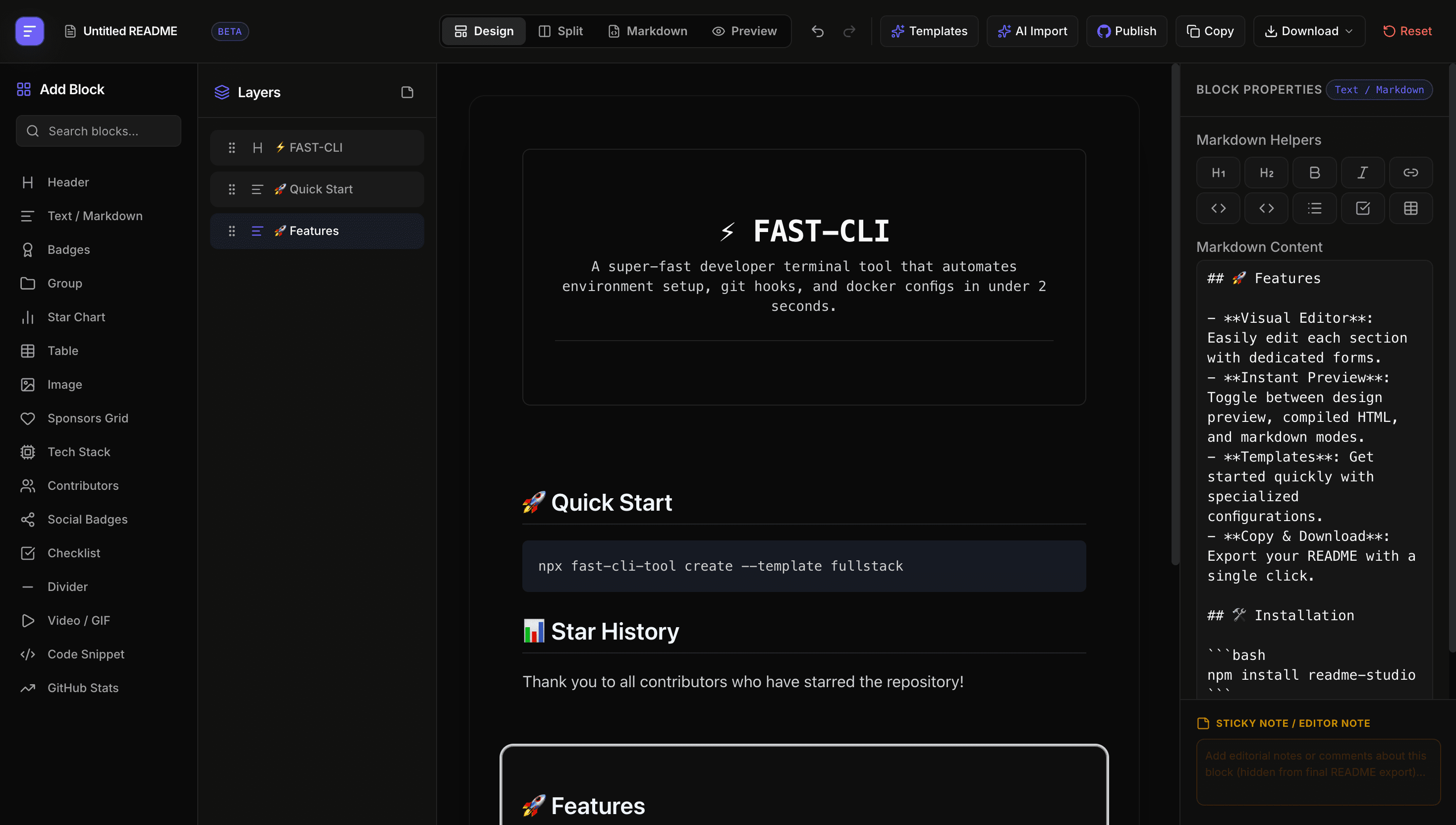
Features
Everything you need for a README that earns the star.
Drag-and-drop blocks
Compose your README from headers, badges, tables, and code blocks. Reorder by dragging — no markdown syntax required.
GitHub-accurate preview
See exactly how your README renders on GitHub as you build, down to badge alignment and emoji shortcodes.
AI Autofill
Point it at a repo and let AI draft your description, install steps, usage, and contributing guide in seconds.
50+ templates
Start from polished templates for libraries, apps, CLIs, and personal profiles — then make them yours.
Markdown linting
Catch broken links, heading gaps, and formatting issues before they ship with inline, fixable warnings.
One-click push
Commit straight to your repository over a secure GitHub connection — no copy-paste, no local clone.
How it works
From blank repo to polished README in three steps.
Pick a template
Choose a starting point from 50+ curated layouts, or open a blank canvas and build from scratch.
Customize blocks
Drag in sections, edit content inline, and watch the GitHub-accurate preview update live beside you.
Push to GitHub
Connect your repo and commit your new README in a single click. Iterate and re-push anytime.
Templates
Start from a template built for your kind of project.
CLI Developer Tool
For terminal commands and dev automation — a minimal header, features list, and live star chart.
Product / SaaS Page
A high-converting layout for products and open-core tools — bold headers, feature grids, and CTAs.
GitHub Profile
A personalized intro for your GitHub profile — a gradient banner, bio, and a sponsors grid.
Minimal Package
A clean boilerplate for libraries and packages — badges, installation, and usage snippets.
Ship a README people actually read.
Open the studio and design your first README in minutes free, no markdown required.